You choose the clip
The app does not request broad read access to your photo and video library.
Loop search, stabilization, blending, audio processing, and rendering all happen on the device. Video files are not uploaded for processing.
The app opens only the clip you choose through Android’s picker or share flow. Temporary processing files and the finished render remain on the device.
The app does not request broad read access to your photo and video library.
Analysis, motion processing, blending, audio work, and encoding run on the phone.
The finished MP4 is passed to Android’s share sheet for you to save or send.
The app uses Firebase for the following records. Source and rendered video files are not attached.
When you send feedback, you can review the included app, device, settings, log, and video-metadata context. A screenshot is optional.
Crash details can be sent automatically to help diagnose failures. Turn this off with Share crash reports in Settings.
When a render stalls, scores poorly on seam quality, or shows signs of AI melting, the app can report what it measured. This is how a failure you hit becomes a fix — without it, a render that came out wrong is invisible to us. No video, no frames, no screenshots. Turn this off with Report render failures in Settings.
When you share a render, the app sends technical metadata about the clip, chosen settings, processing results, device identifiers, and any optional star rating.
Every record above also includes the language the app is showing you. If your device asked for a different language than what's actually displayed — say, a language we don't fully support yet, or you set the app to a different language than your device's default — that's included too. Knowing which of the 25 shipped languages people actually use, and which languages people are asking for that we don't yet ship, is how translation effort goes where users are, and how language-specific problems get caught.
Two screens straight from the app.
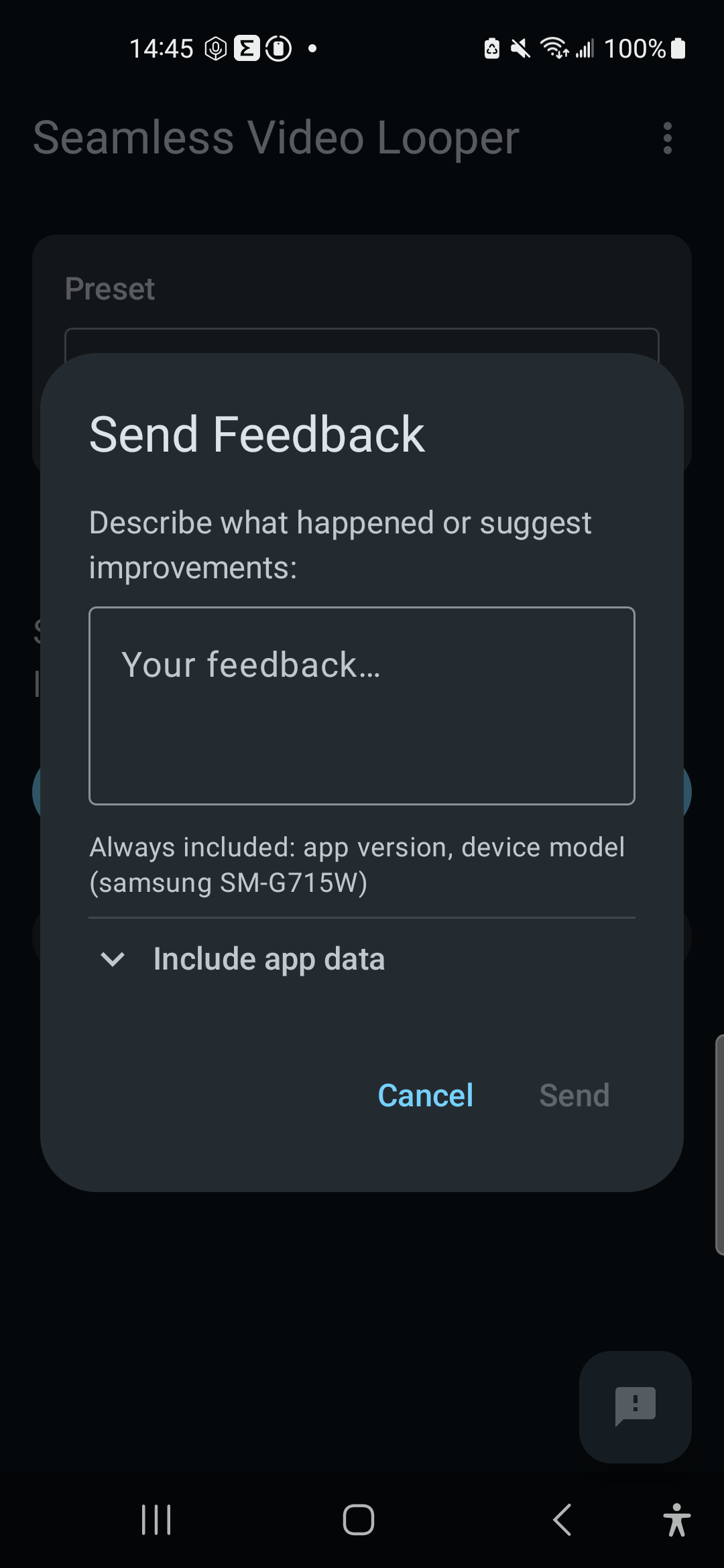
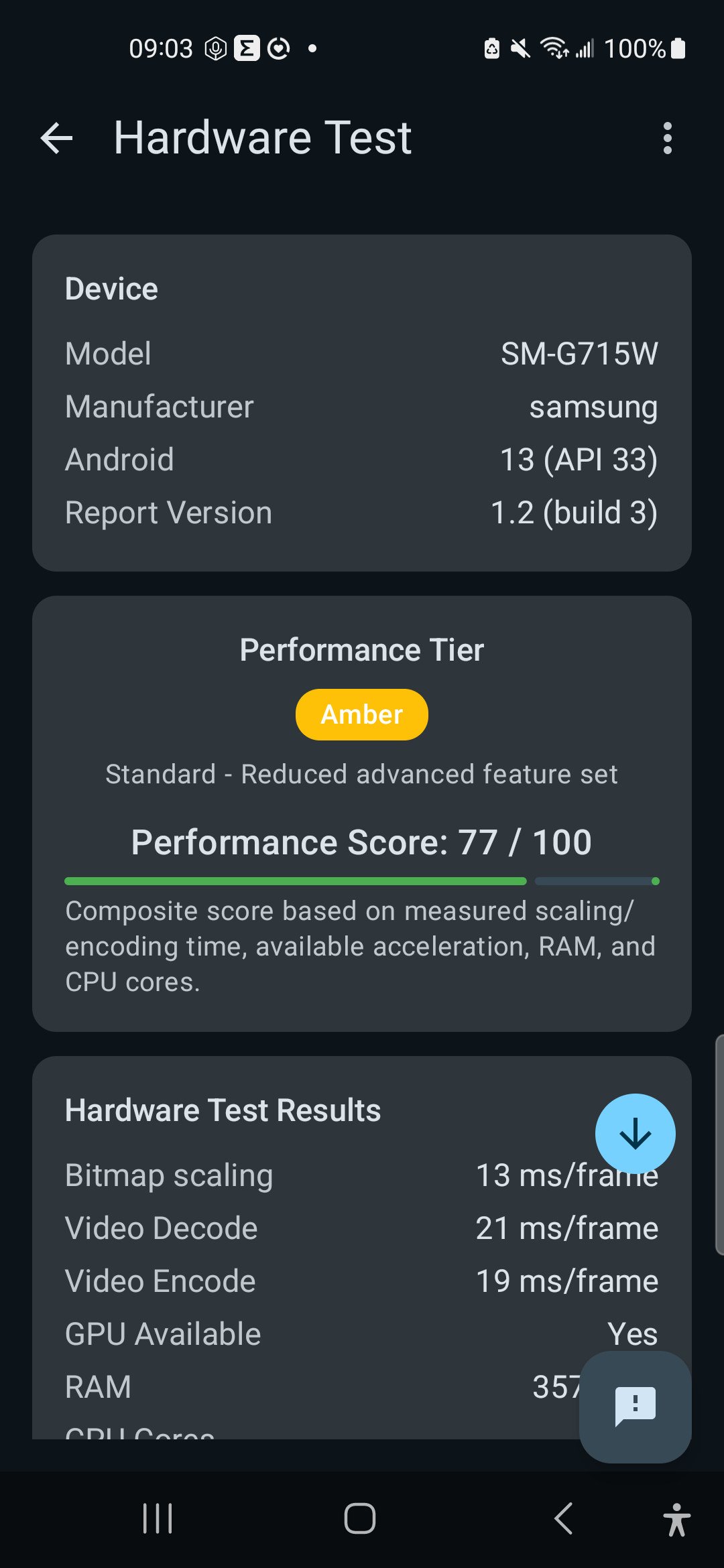
Firebase creates an anonymous app identifier, used with Android ID to group related reports. The app contains no advertising or general usage-analytics SDK.
Submitted records are stored in Firebase Firestore. Optional feedback screenshots use Firebase Storage; the local screenshot cache expires after 30 days. A fixed server-retention period is not currently published.
Google Play separately handles installation, updates, and store-level data under Google’s policies.
Last updated: August 21, 2026
Seamless Video Looper analyzes, stabilizes, blends, processes audio, and renders videos on your Android device. Source videos and rendered videos are not uploaded to Firebase for processing or reporting.
You select a video through Android’s system picker, open-file action, or share action. The app receives access to that selected file rather than broad read access to your media library.
The app uses Firebase Anonymous Authentication and Firebase Firestore for feedback, crash reports, Hardware Test reports, failure reports, and technical records submitted when a completed render is shared.
Every report above also includes the language the app is currently displaying, as a BCP-47 tag (for example, en-US). When that differs from what your device or the app actually requested — for example, a language this app does not fully support falling back to English, or a separate in-app language override — the requested language and your device's default language are included as well.
No user-created account is required. Firebase creates an anonymous app-account identifier. Records also include Android ID so related submissions can be grouped and de-duplicated. These identifiers are not used as advertising IDs and are not intentionally tied to your name or email.
The app does not include advertising SDKs, general usage-analytics SDKs, or tracking pixels. Google Play may separately process store-level data under Google’s privacy policies.
Submitted records are stored in Firebase Firestore. Optional feedback screenshots are stored in Firebase Storage. The local screenshot cache expires after 30 days. A fixed server-retention period is not currently published.
The app uses foreground-service, notification, network-state, internet, wake-lock, boot-receiver, and Google-services permissions to render in the background and deliver the reporting functions described above. A legacy external-storage write declaration applies only through Android 9. Media selection itself uses Android’s system picker.
Use Send Feedback in the app or email scintech.dev@gmail.com for privacy questions and requests concerning submitted data.